
Edge computing + digital signage: powering a kiosk network with NANO mini PCs
Behind every reliable display is a computer. How fanless NANO mini PCs (N3322, N1321) power networks of kiosks and signage displays — quietly, reliably, and at scale, even offline.
Signage projects are specified screen-first and fail player-first. The display is visible in every meeting; the computer behind it is an afterthought — until units start dropping offline across twenty sites and every incident is a truck roll. Fleet reliability is an edge computing problem, and it is won or lost at the player.
Why the player is an edge device
A signage player runs unattended, often inside a sealed enclosure, on unreliable venue power and sometimes unreliable venue internet. It must cache content locally and keep playing through outages, sync when connectivity returns, recover from power cuts without a keyboard, and report health to the CMS. That is the textbook definition of an edge node.
The hardware checklist
- Fanless, sealed-enclosure-safe — inside a kiosk, a fan is a dust pump with a service contract.
- Hardware 4K decode — smooth video without pegging the CPU.
- Auto power-on + watchdog — the venue flips the breaker at close; screens return by themselves at open.
- Local storage headroom — full content cache on M.2 SSD for offline playback.
- Wi-Fi/4G options — M.2 module slots with external antennas where venue Ethernet is a negotiation.
Matching NANO models to positions
| Position | Model | Why |
|---|---|---|
| Single screen / window display | Nano-N1321 | Dual HDMI 4K, efficiency-class, very low power |
| Menu board (2–3 panels) | Nano-N3322 | 3× HDMI 4K, Core-class headroom, 4G/5G module slot |
| Premium interactive / heavy motion | Nano-N3422 | Core Ultra, 3× HDMI + USB-C display |
Fleet practices that scale
- Build one OS image per model with the CMS player, remote access, and watchdog pre-configured.
- Put players on an isolated VLAN with outbound-only access to the CMS — a firewall appliance per large site makes this trivial.
- Monitor player health in the CMS from day one; a screen that is "up" but frozen is the worst failure mode.
- Keep one spare player per N sites — swap first, diagnose on the bench.
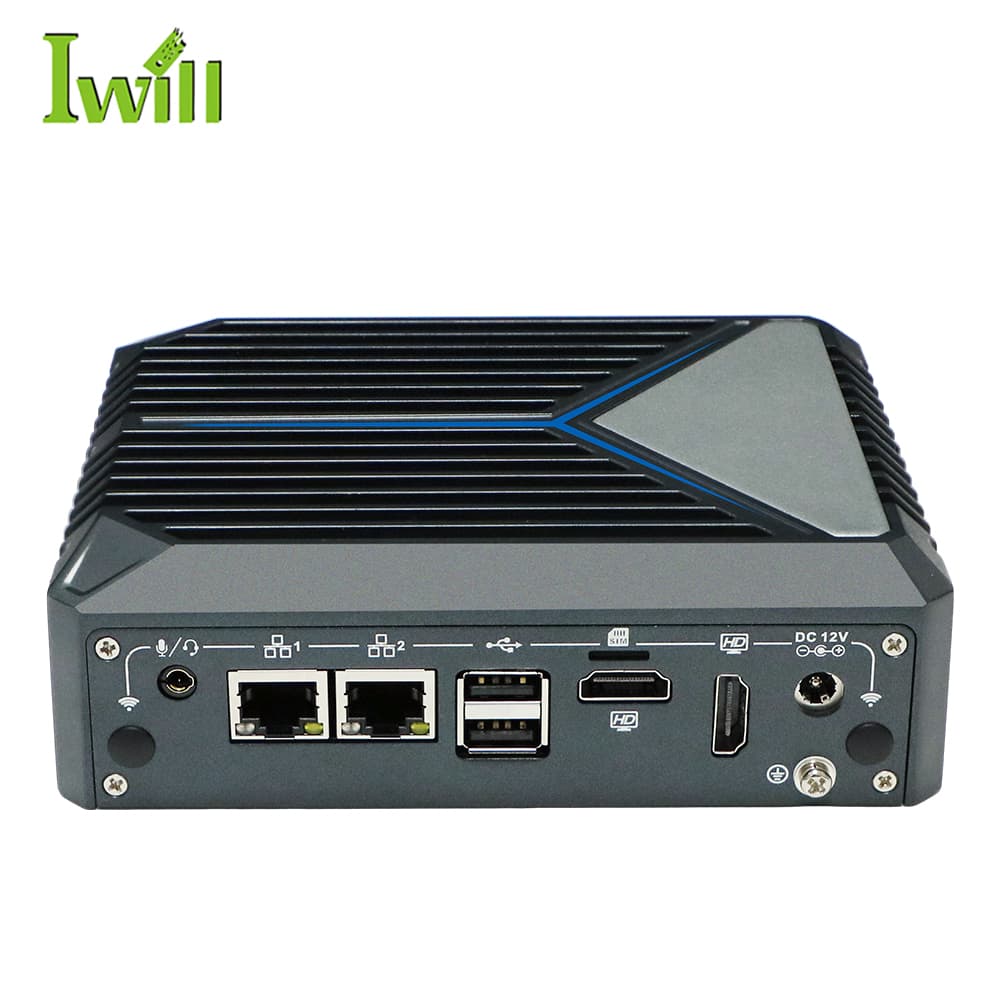
Mini PCs
Nano-N1321
Nano-N1321: Intel Alder Lake N100 (4 cores, up to 3.4GHz) with 2x RJ45 LAN.
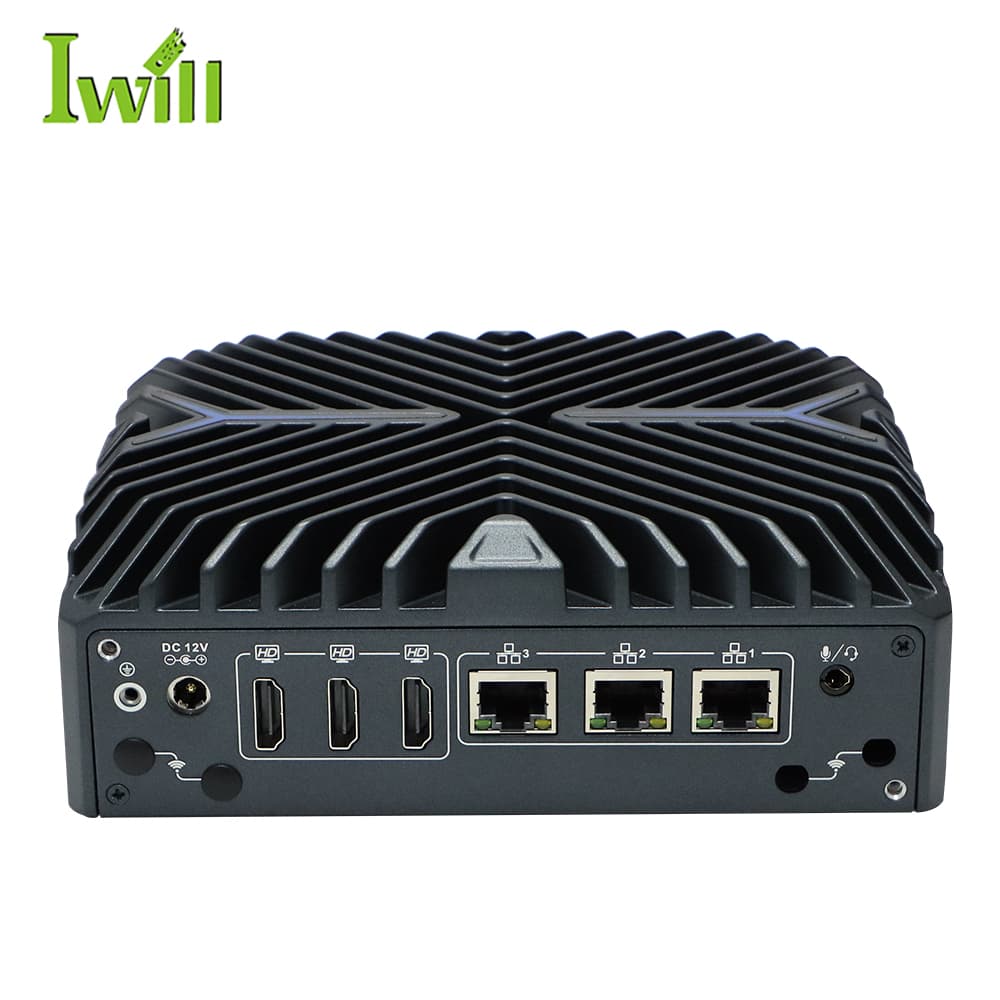
Mini PCs
Nano-N3322
Nano-N3322: Intel i3/i5/i7-1255U (6-10 cores, up to 4.7GHz, Alder Lake) with 3x 2.5G LAN.
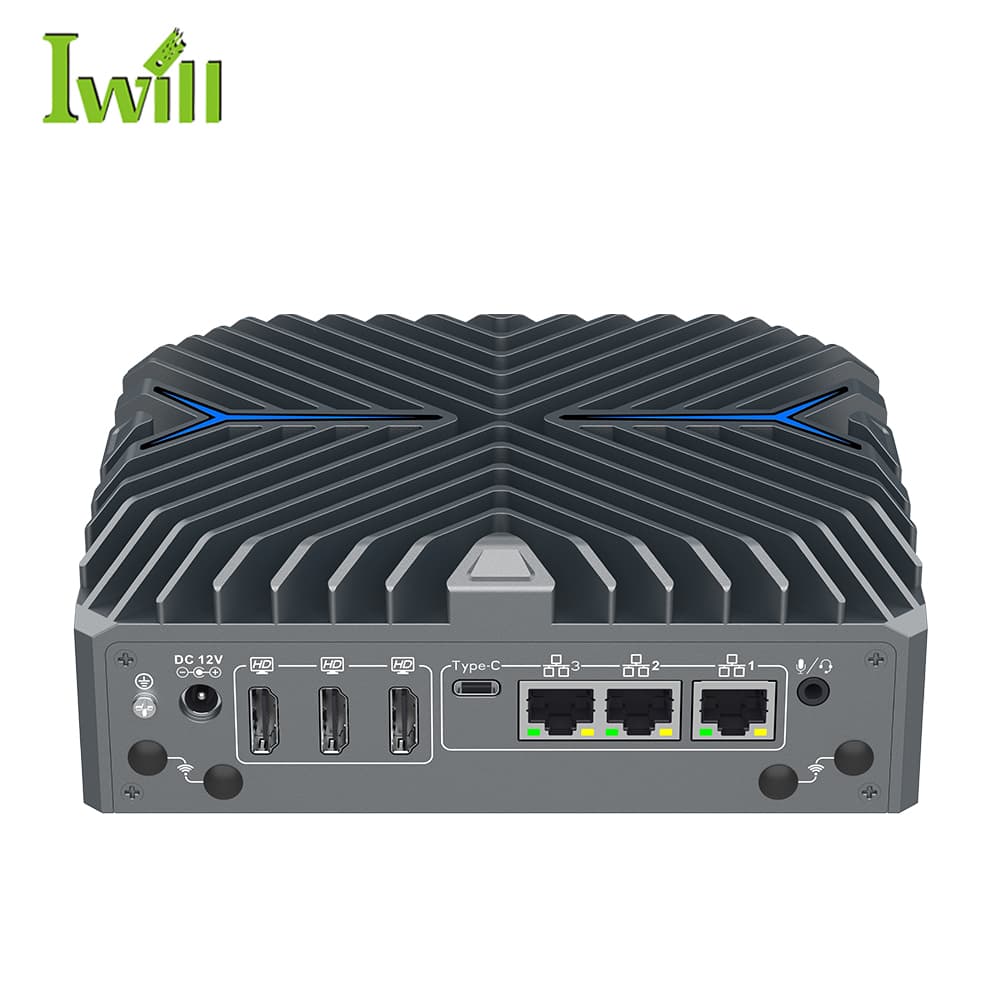
Mini PCs
Nano-N3422
Nano-N3422: Intel Core Ultra 5 125U / Ultra 7 155U (12 cores, up to 4.8GHz) with 3x 2.5G LAN.
Site count, screens per site, CMS, and connectivity — send the outline and we will spec the fleet.
Design a player fleet