
iKiosk vs. iWall vs. iSmart: choosing the right digital display
iKiosk stands, iWall hangs, iSmart collaborates. A jargon-free guide to choosing the right display family by space, touch requirements, and mounting.
Three families, one mental model: iKiosk stands on the floor, iWall hangs on the wall, iSmart works in a team. Start from the space and the interaction you want, and the choice usually makes itself.
Decision 1: where does it live?
If people should walk up to it in an open space — lobby, mall aisle, showroom — you want a floor-standing iKiosk totem. If the message belongs on a wall above head height or in a corridor, an iWall display uses zero floor space. If it lives in a meeting room or classroom where people gather around it, that is iSmart territory.
Decision 2: does anyone touch it?
- Pure signage (no touch) — iWall models over HDMI from a signage player are the economical answer.
- Public self-service touch — iKiosk totems with capacitive multi-touch and Android kiosk mode.
- Collaborative touch — iSmart interactive panels with multi-touch, whiteboarding, and wireless casting.
Decision 3: who feeds it content?
iKiosk units run Android and can host the CMS player app directly. iWall displays typically take HDMI from a compact player — pairing naturally with a NANO mini PC when you want CMS control, or running standalone from internal input switching. iSmart panels carry a dual Android + Windows OPS option, so the same screen presents, whiteboards, and runs signage after hours.
Quick comparison
| iKiosk | iWall | iSmart | |
|---|---|---|---|
| Mounting | Floor-standing totem | Wall | Wall or mobile stand |
| Touch | Multi-touch | Display-only | Interactive multi-touch |
| Typical sizes | 43"–55" | 21"–43" | 65"–75" |
| OS | Android | Input-driven | Android + Windows OPS option |
| Best at | Self-service & directories | Signage & menus | Meetings, education, exhibits |
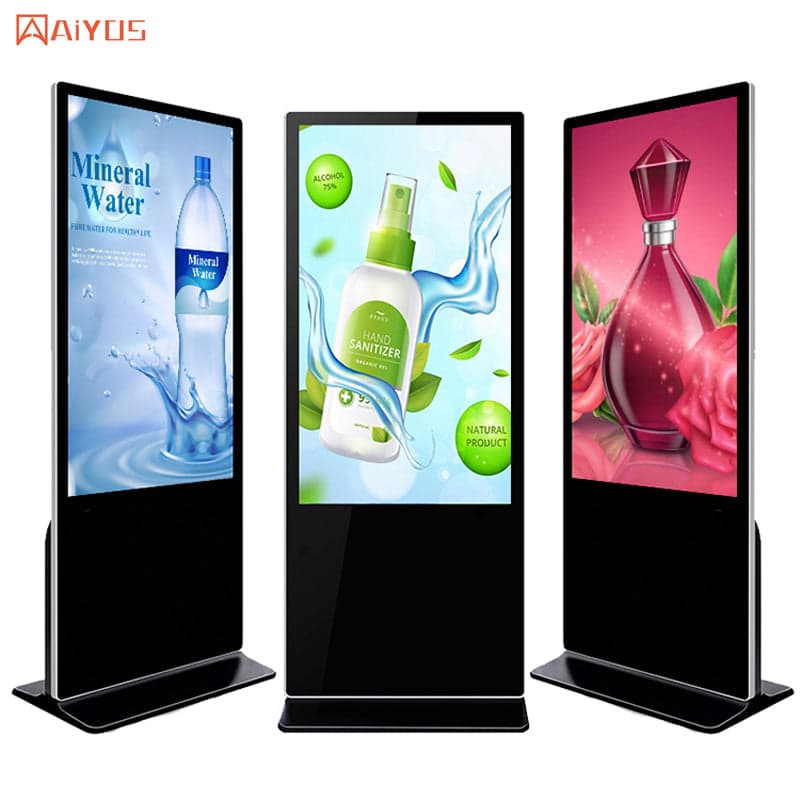
Kiosks & Digital Signage
IWILL iKiosk-5501
IWILL iKiosk-5501 kiosks & digital signage platform.
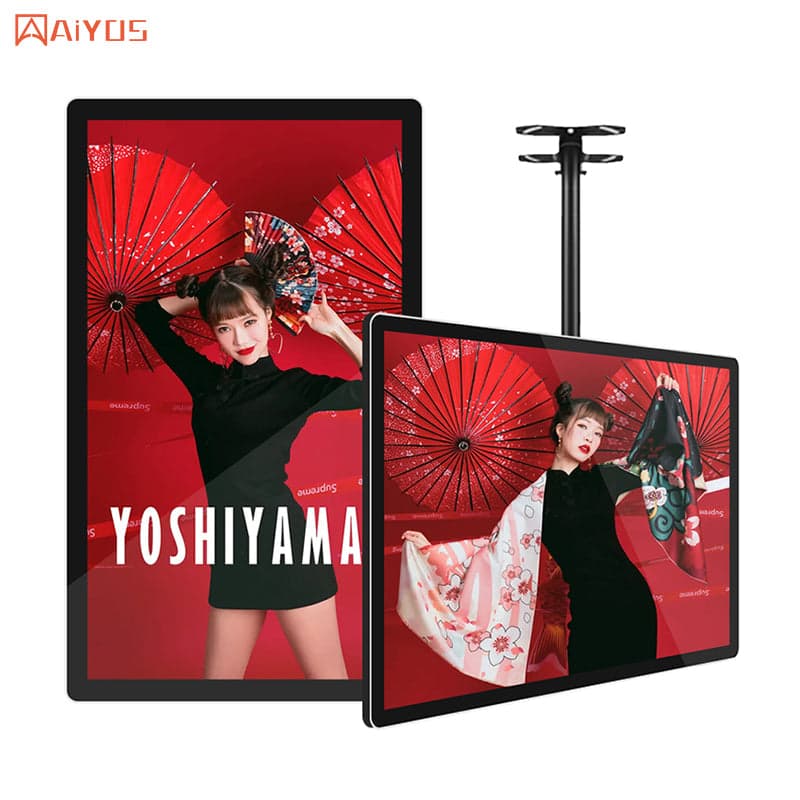
Kiosks & Digital Signage
IWILL iWall-4301
IWILL iWall-4301 kiosks & digital signage platform.
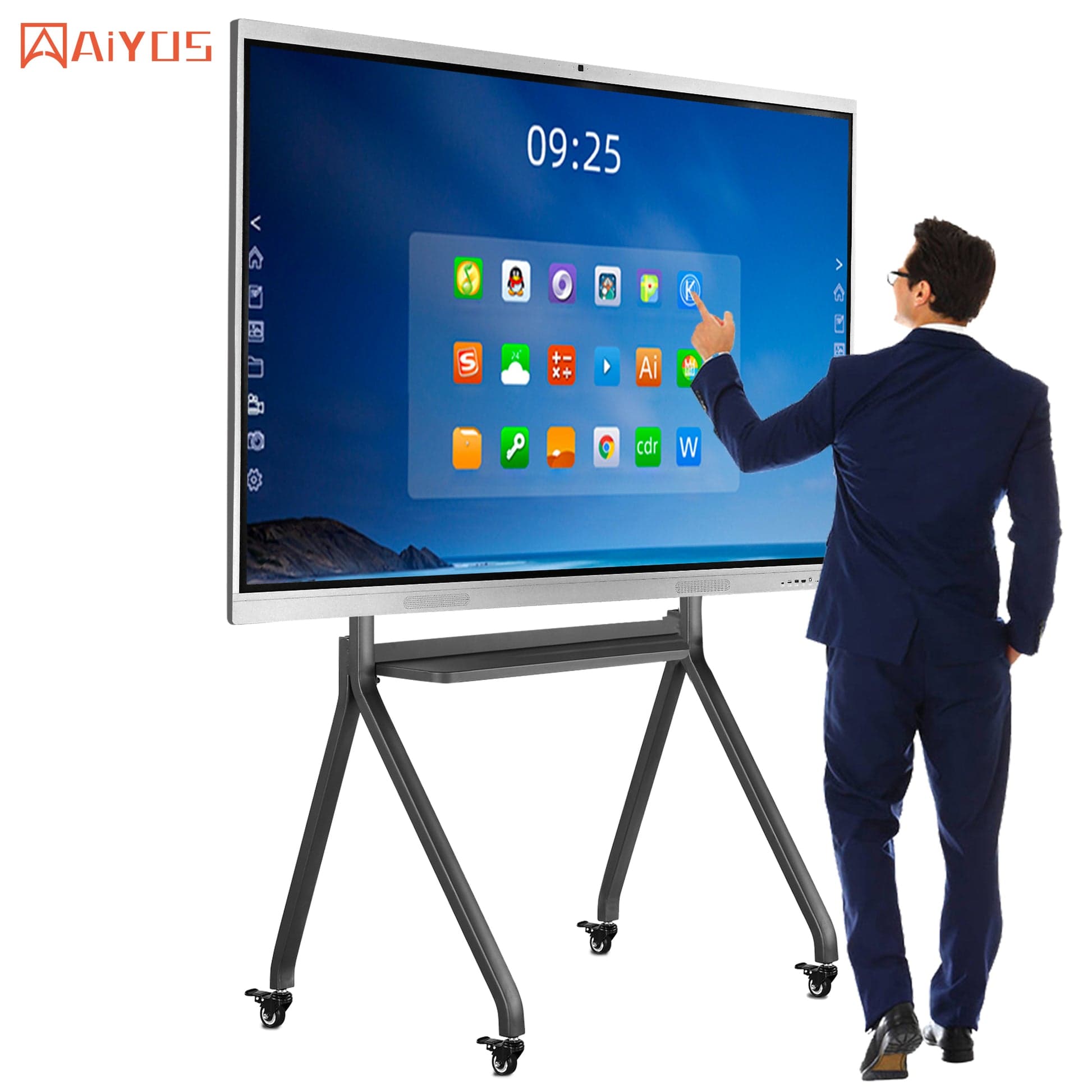
Kiosks & Digital Signage
IWILL iSmart-7501
IWILL iSmart-7501 kiosks & digital signage platform.
Describe the space and what visitors should do — we will confirm the family, size, and configuration.
Get a format recommendation