
Interactive self-service kiosks: 7 real-world applications
Seven proven applications for interactive self-service kiosks — banks, hospitals, restaurants, retail centers, government, hotels, and museums — and what each demands from the hardware.
The economics of self-service are simple: a kiosk handles the routine 80% of interactions — look-ups, check-ins, orders, payments — so people handle the 20% that genuinely needs them. Here are seven applications where that trade works today, and what each asks of the hardware.
1. Banking & financial services
Queue ticketing, account services, loan pre-qualification, and after-hours service zones. Requirements: privacy-conscious placement, robust enclosures, and integration with queue-management systems.
2. Healthcare check-in
Patient registration and wayfinding shorten front-desk queues and reduce data-entry errors. Requirements: cleanable surfaces, ADA-conscious reach heights, and secure handling of personal data on a locked-down OS image.
3. Restaurants & QSR
Self-ordering measurably lifts average ticket size — the upsell prompt never forgets. Requirements: bright, responsive touch; payment-terminal mounting; and a duty cycle that survives the lunch rush every day.
4. Retail centers & showrooms
Directories, endless-aisle catalogs, and loyalty sign-ups. A 55" totem like the iKiosk-5501 doubles as signage when idle — advertising space that pays for the directory.
5. Government & municipal services
Form intake, appointment scheduling, fee payment, and records requests extend service hours without extending staffing. Requirements: accessibility compliance, multilingual UI, and vandal-conscious construction.
6. Hotels
Express check-in/out, key dispensing, and concierge information. Requirements: integration with property-management systems and an enclosure that fits the lobby design language.
7. Museums & visitor attractions
Interactive exhibits, ticketing, and self-guided tours. The interactive iSmart family suits exhibit walls, while floor kiosks handle ticketing and wayfinding.
What all seven share
- Commercial-duty touch panels — consumer screens fail early under public use.
- Locked-down OS — single-app kiosk mode on Android or Windows, centrally imaged.
- Remote fleet management — content, health, and updates without site visits.
- Serviceability — front or rear access to the player without dismounting the unit.
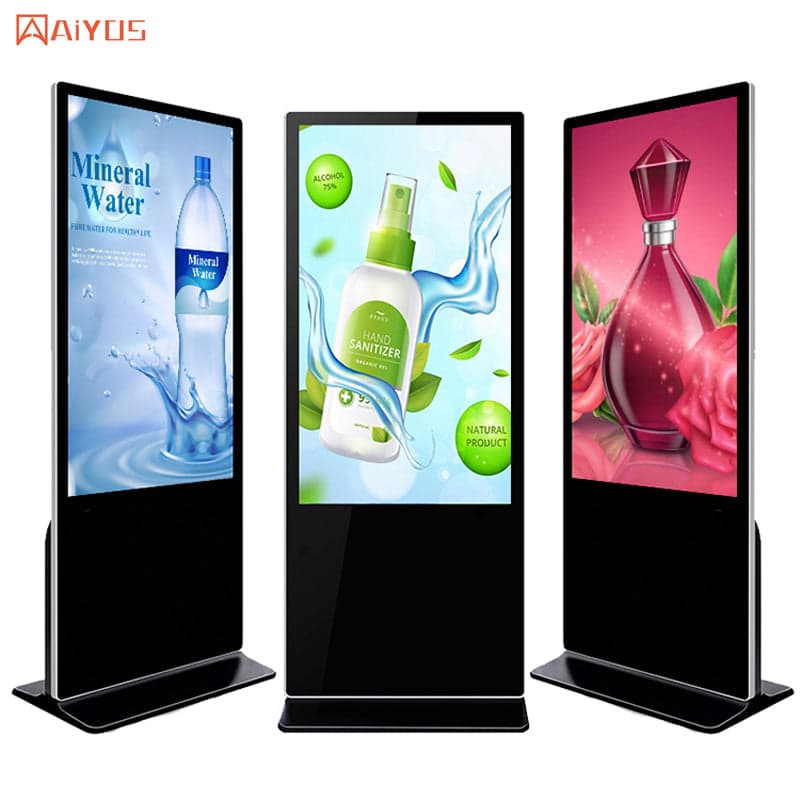
Kiosks & Digital Signage
IWILL iKiosk-5501
IWILL iKiosk-5501 kiosks & digital signage platform.
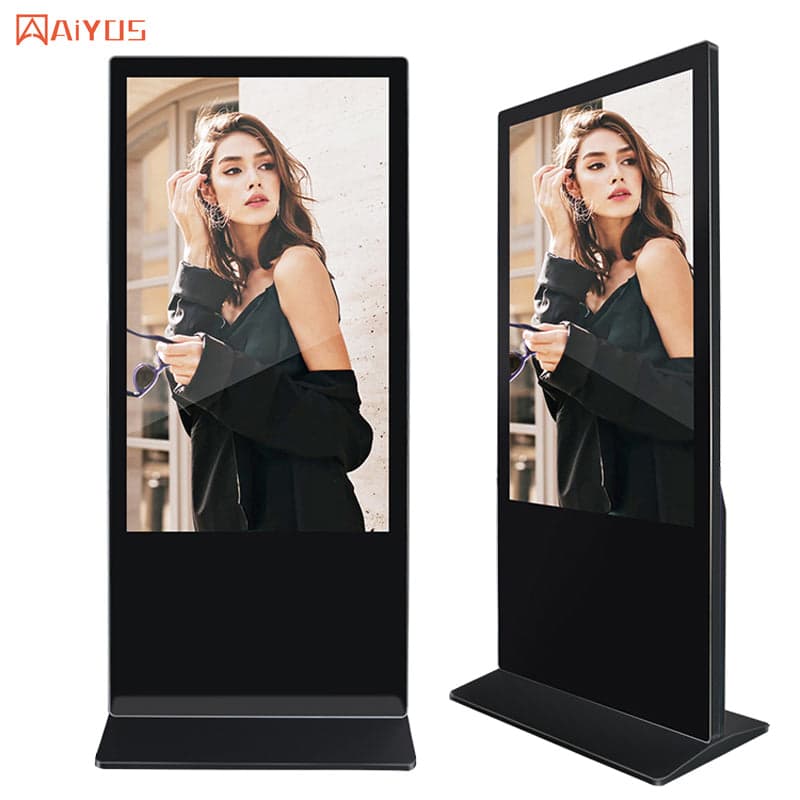
Kiosks & Digital Signage
IWILL iKiosk-4301
IWILL iKiosk-4301 kiosks & digital signage platform.
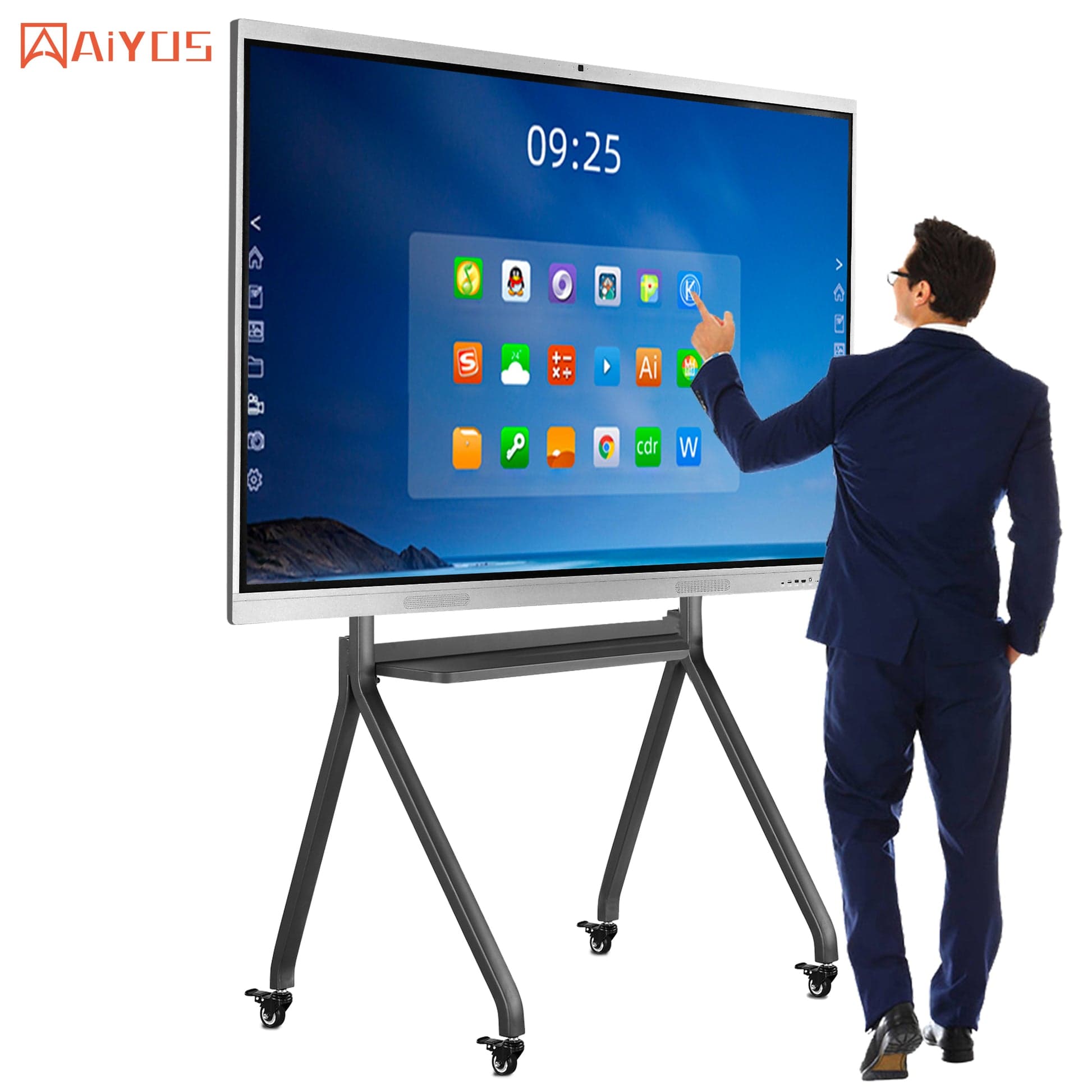
Kiosks & Digital Signage
IWILL iSmart-7501
IWILL iSmart-7501 kiosks & digital signage platform.
Send the use case, transaction flow, and site count — we will propose the format and configuration.
Plan a kiosk deployment