
Digital signage 101: how iKiosk and iWall transform retail and public spaces
What digital signage is, the device types that exist — floor-standing totems, wall displays, interactive smart screens — and why purpose-built commercial hardware beats a consumer TV. An introduction to the iKiosk, iWall, and iSmart families.
Every business communicates with people standing in its spaces: prices, wayfinding, promotions, schedules, safety notices. The paper version of that communication is slow, inconsistent across locations, and permanently out of date. Digital signage replaces it with screens whose content is managed centrally and updated in minutes.
The three device families
Floor-standing kiosks (iKiosk)
Freestanding totems for lobbies, malls, and showrooms. The iKiosk-5501 is the reference: a 55" LCD in a floor-standing enclosure running Android with capacitive multi-touch, so it works both as pure signage and as an interactive directory or self-service point. Sizes in the family range down to 43" for tighter floors.
Wall displays (iWall)
Wall-mounted commercial screens for menus, promotions, and information where floor space is unavailable. The iWall-4301 (43") supports split-screen layouts over HDMI input — menu on one zone, motion content on another — in a slim commercial panel built for long duty cycles.
Interactive smart screens (iSmart)
Large-format interactive displays for meeting rooms, education, and collaborative retail. The iSmart-7501 is a 75" 4K multi-touch panel with a dual Android + Windows OPS architecture and wireless screen sharing — a whiteboard, presentation screen, and signage surface in one device.
Why not a consumer TV?
| Consumer TV | Commercial signage display | |
|---|---|---|
| Panel duty rating | Evening viewing | Extended continuous operation |
| Orientation | Landscape only | Landscape/portrait by model |
| Touch | No | Multi-touch on interactive models |
| Content control | Consumer apps | CMS-managed, scheduled, monitored |
| Enclosure | Living-room design | Public-space durability, cable management |
Where to start
- Retail — window screens for footfall, in-store promotion, endless-aisle kiosks.
- Hospitality — menu boards, event schedules, lobby wayfinding.
- Corporate — reception signage, meeting-room displays, internal comms screens.
- Public spaces — directories, ticketing, queue and information displays.
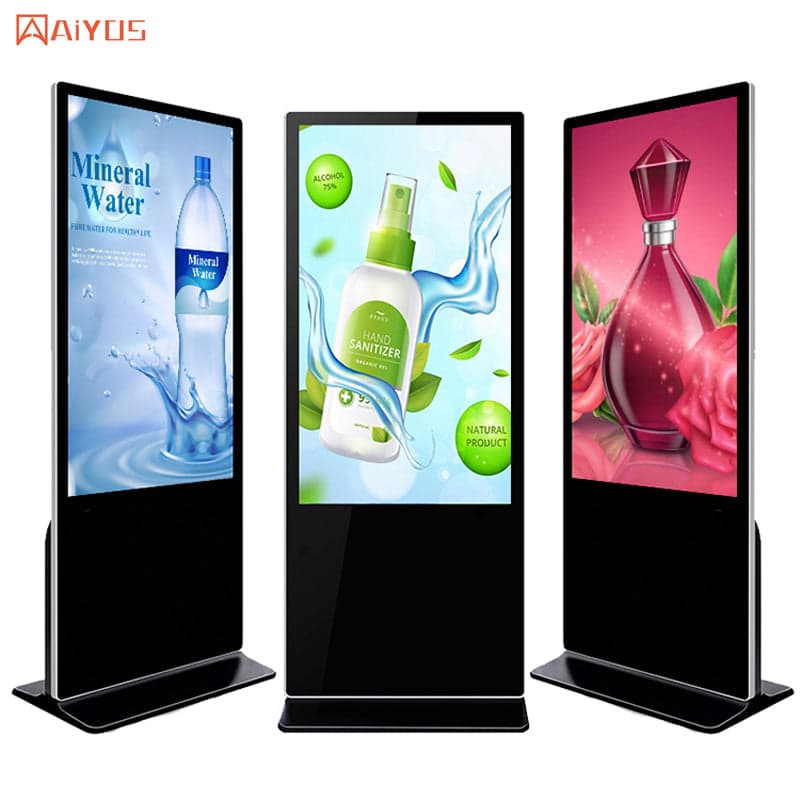
Kiosks & Digital Signage
IWILL iKiosk-5501
IWILL iKiosk-5501 kiosks & digital signage platform.
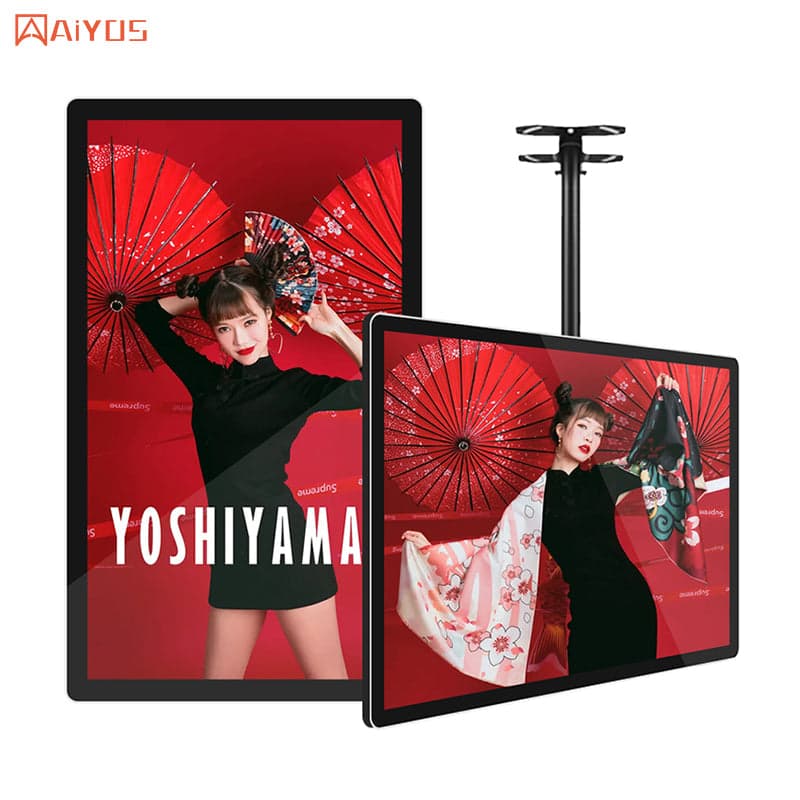
Kiosks & Digital Signage
IWILL iWall-4301
IWILL iWall-4301 kiosks & digital signage platform.
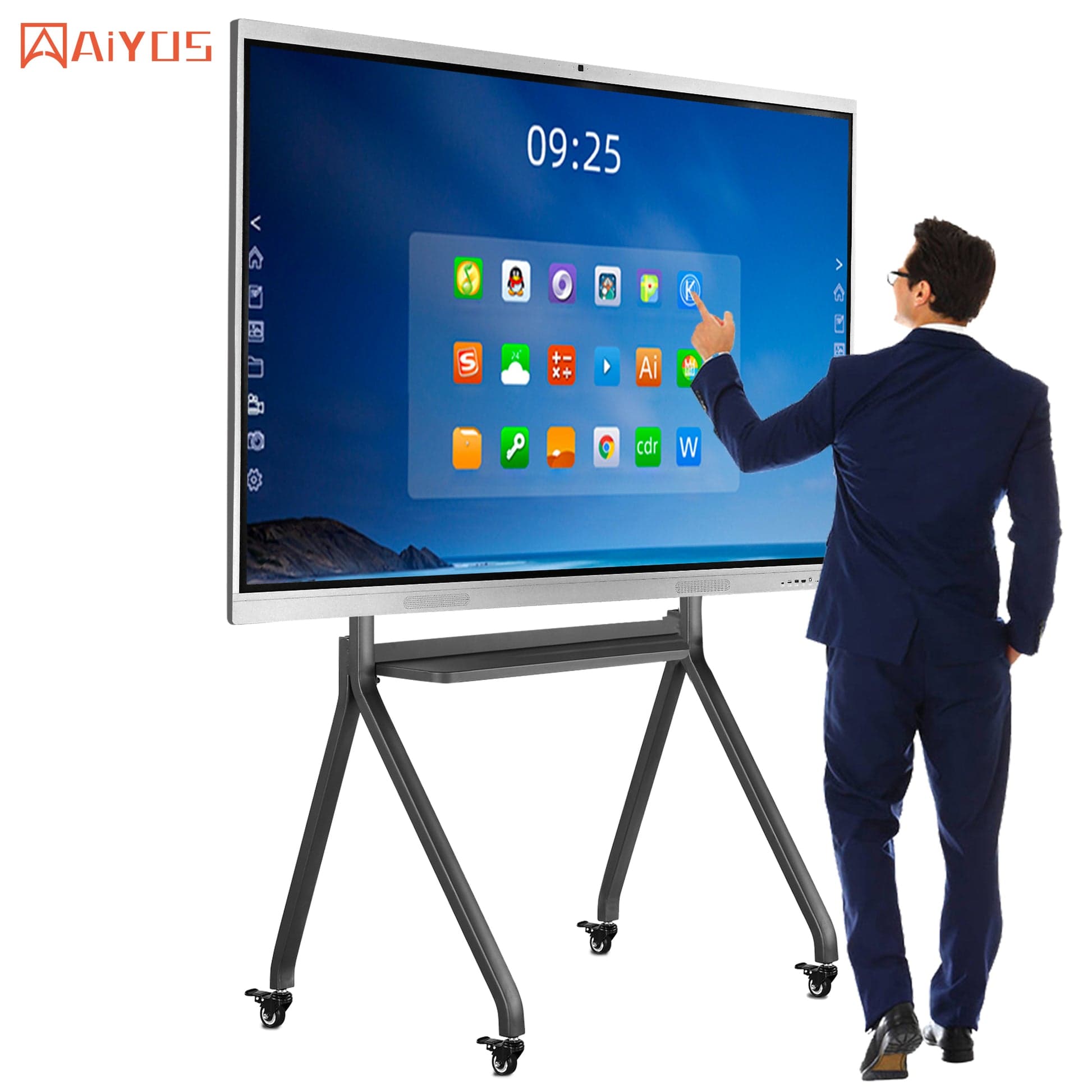
Kiosks & Digital Signage
IWILL iSmart-7501
IWILL iSmart-7501 kiosks & digital signage platform.
Browse the kiosk and display range, or send your space and content plan for a recommendation.
Explore signage hardware