
Digital signage for restaurants and retail: a complete guide
What digital signage is, why a Smart TV is not enough, and how a fanless mini PC running an open-source CMS like Xibo manages three screens from one device — with a realistic look at ROI for retail.
Most storefront screens run one of two things: a USB stick looping a slideshow, or a consumer Smart TV app that was never designed for commercial duty. Both fail the same way — content goes stale because updating it is painful, and the screen goes dark because the hardware was not built for 12-hour days.
What a signage CMS actually does
A digital-signage CMS (content management system) separates content from screens. You design layouts once, schedule campaigns centrally, and every player pulls its assigned content automatically. Change the lunch menu at 10:55 from a laptop, and every location updates at 11:00. Platforms like Xibo, Screenly, and commercial suites all follow this model — and open-source options mean no per-screen subscription is required.
- Scheduling — dayparted menus, weekend promos, campaign start/end dates.
- Layouts and zones — menu on the left, video zone on the right, ticker below.
- Fleet monitoring — see which players are online, what they are showing, and when they last synced.
- Proof of play — logs of what ran where, useful when screen time is sold to brands.
Why not just a Smart TV?
| Consumer Smart TV | Dedicated player + commercial screen | |
|---|---|---|
| Duty cycle | Designed for evening viewing | 12–24h continuous operation |
| Content control | App-dependent, often manual | Central CMS, scheduled |
| Reliability | Firmware updates interrupt playback | Locked-down OS image, watchdog restart |
| Multi-screen | One device per screen | One player drives up to 3 screens |
| Lifespan under load | Panels dim and fail early | Commercial panels rated for continuous duty |
One player, three screens
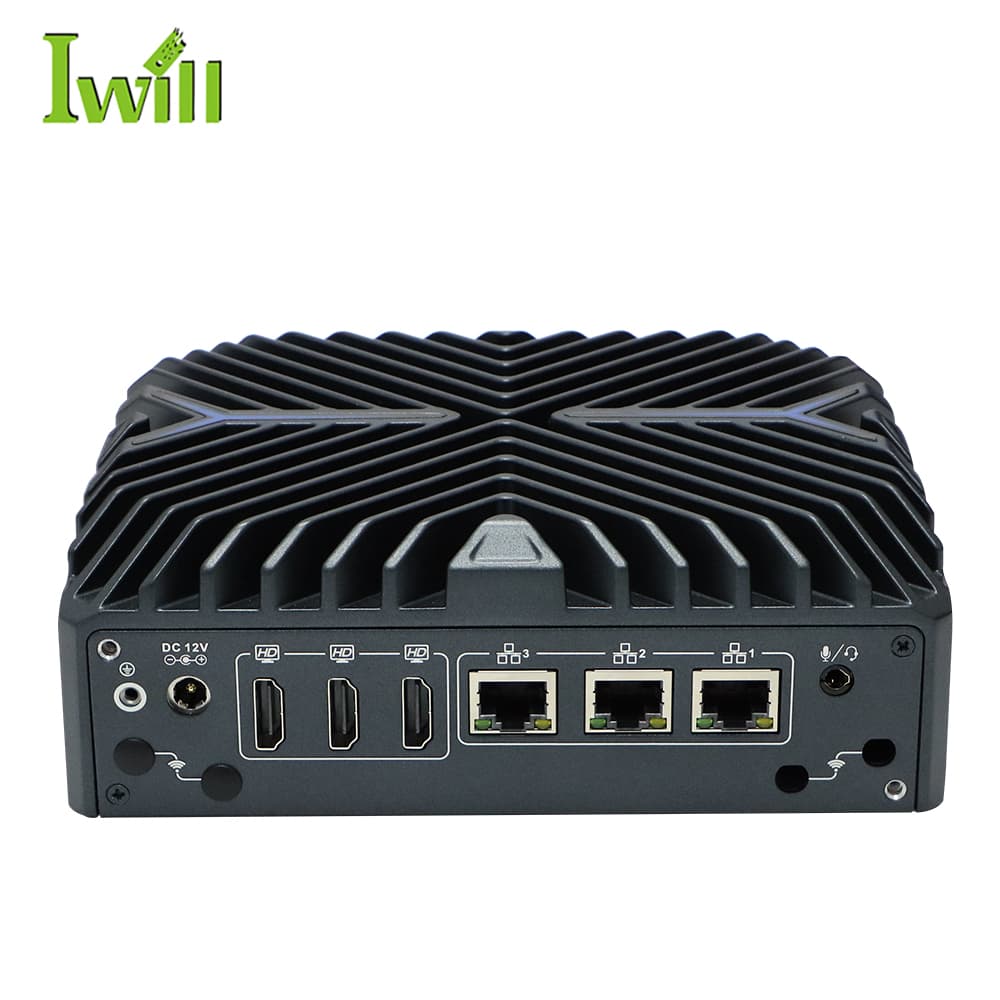
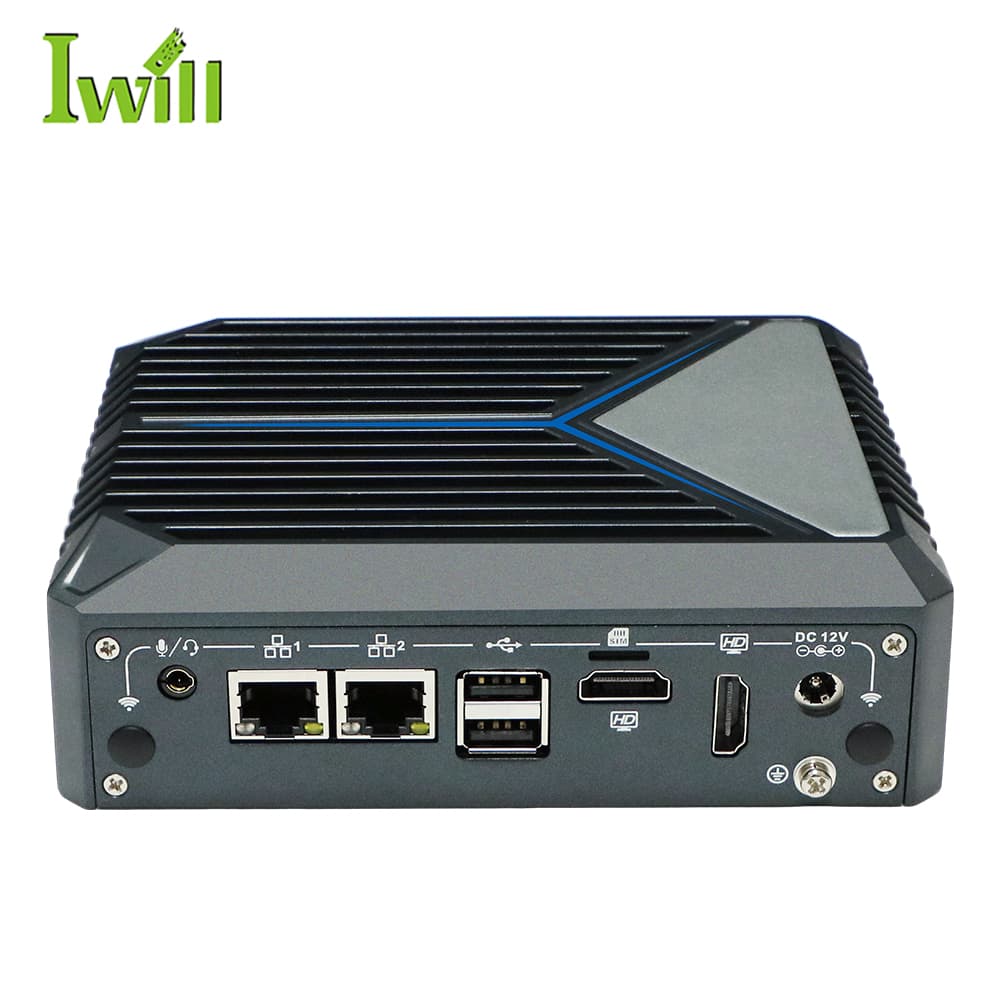
The economics change when one device drives several displays. The Nano-N3322 exposes 3× HDMI 4K outputs from a fanless chassis smaller than a hardcover book: a three-panel menu board becomes one player, one OS, one CMS license slot, and one point of monitoring instead of three. For window displays and single screens, the efficiency-class Nano-N1321 with dual HDMI covers most duty at very low power.
The ROI conversation
Signage earns its keep in three ways: labor (no more printing and swapping posters across locations), speed (price and menu changes take effect in minutes, chain-wide), and sales lift (dayparted promotion of high-margin items — the reason QSR menu boards went digital first). Against that, the hardware is a one-time cost and an open-source CMS removes the recurring per-screen fee. For a multi-location fleet, the update-labor savings alone usually carry the case.
Mini PCs
Nano-N3322
Nano-N3322: Intel i3/i5/i7-1255U (6-10 cores, up to 4.7GHz, Alder Lake) with 3x 2.5G LAN.
Mini PCs
Nano-N1321
Nano-N1321: Intel Alder Lake N100 (4 cores, up to 3.4GHz) with 2x RJ45 LAN.
Mini PCs
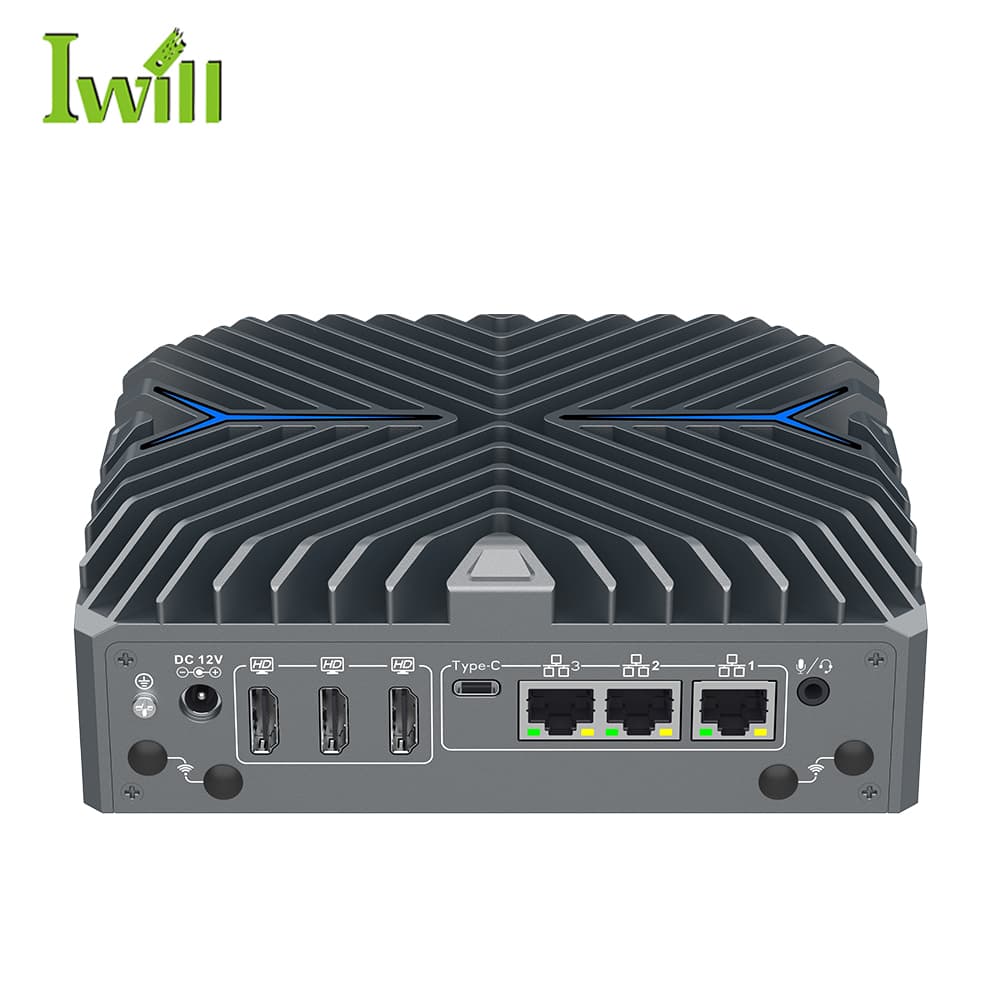
Nano-N3422
Nano-N3422: Intel Core Ultra 5 125U / Ultra 7 155U (12 cores, up to 4.8GHz) with 3x 2.5G LAN.
Send the screen count per site, content type, and CMS preference — we will spec the player fleet.
Plan a signage rollout