
4 screens, 1 computer: building a video wall without a server room
A guide to building control-room and NOC video walls: why you do not need four separate computers or KVM extenders, and how a single fanless multi-HDMI industrial PC drives four independent 4K displays.
Network operations centers, security desks, dispatch rooms, and production dashboards share one requirement: a lot of pixels visible at once. The traditional answer was one computer per screen plus KVM extenders — a solution that multiplies cost, cabling, points of failure, and the software licenses running on each box.
What a NOC wall actually displays
Look at most operations walls and the content is dashboards: monitoring (Grafana, Zabbix, PRTG), camera grids, ticket queues, maps, and KPI screens. These are browser and thin-client workloads — graphically light, but they must run 24/7 without a hiccup, because a frozen dashboard in a monitoring room is worse than no dashboard at all.
The single-PC approach
Modern Intel integrated graphics drive multiple 4K outputs natively. A multi-HDMI industrial PC like the IBOX-3226 exposes 4× HDMI at up to 4096×2304@60Hz — four independent displays from one silent, fanless box. Each output is a separate desktop surface: one can show a camera grid while the others run dashboards, with a single OS to patch and a single machine to manage.
- One machine to administer — one OS image, one backup, one remote-access target.
- No extenders — direct HDMI runs (or active-optical cables for long distances).
- Silent and rack-free — fanless construction VESA-mounts behind the wall itself.
- Watchdog + auto power-on — the wall comes back unattended after outages.
When one PC is not enough
Be honest about the workload. Four 4K browser dashboards fit comfortably in the integrated-graphics envelope. Hardware-decoded camera grids scale well too — but dozens of simultaneous high-bitrate streams, or video *processing* (analytics, transcoding), move you into dedicated-GPU territory. Sizing is exactly what a quote enquiry is for: state the sources, resolutions, and refresh expectations.
| Wall size | Suggested platform | Notes |
|---|---|---|
| 2 screens | Nano-N1321 / N1522 | Dual HDMI 4K, compact and silent |
| 3 screens | Nano-N3322 | 3× HDMI 4K, Core-class processors |
| 4 screens | IBOX-3226 | 4× HDMI up to 4096×2304@60Hz |
| 4+ screens or heavy video | Ask technical sales | Multiple players or GPU platform, synchronized |
Deployment details that save site visits
- Enable auto power-on after power loss in BIOS — nobody should climb behind the wall with a power button.
- Configure the OS to restore the window layout on boot (kiosk/dashboard mode, or tools like Grafana kiosk URLs).
- Use the watchdog so a hung machine restarts itself before the shift notices.
- Plan remote access (VPN + remote desktop) on a management VLAN from day one.
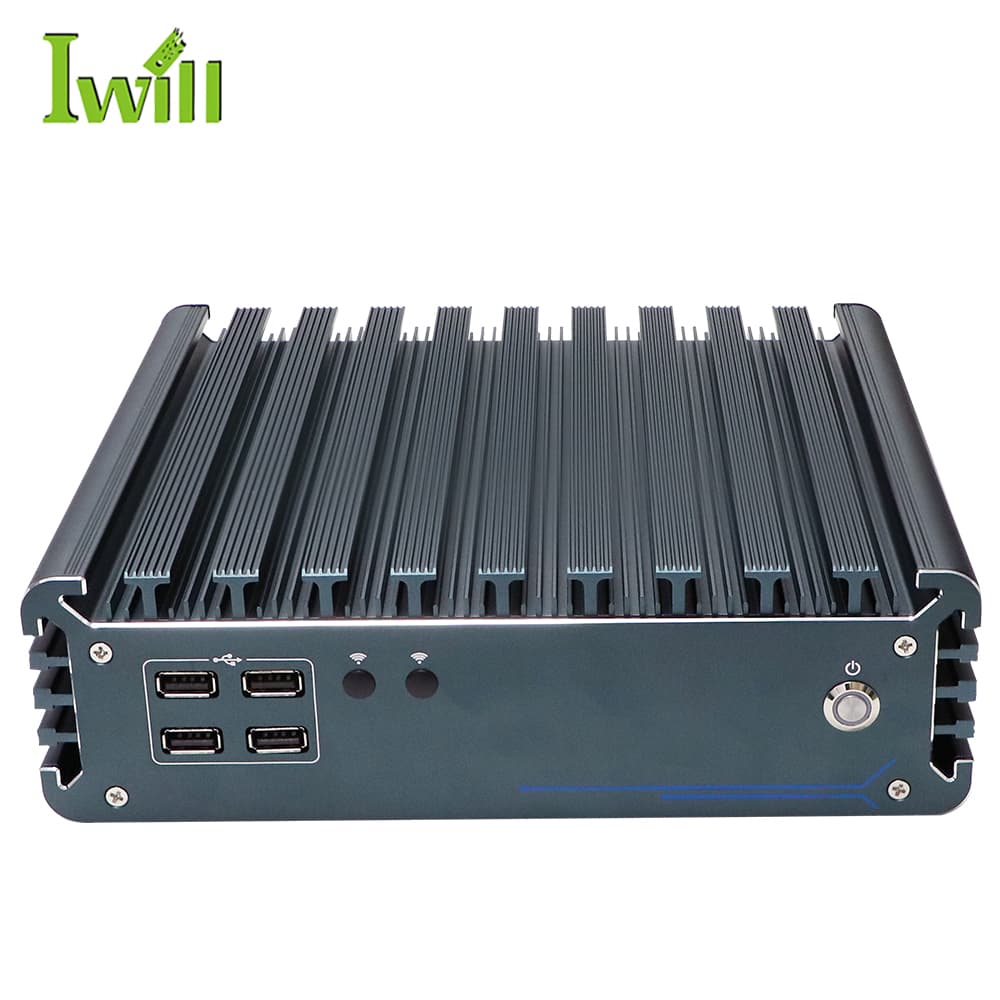
Industrial PCs
IBOX-3226
IBOX-3226: Intel i3-1215U / i5-1235U / i7-1255U (12th Gen) with 2x LAN.
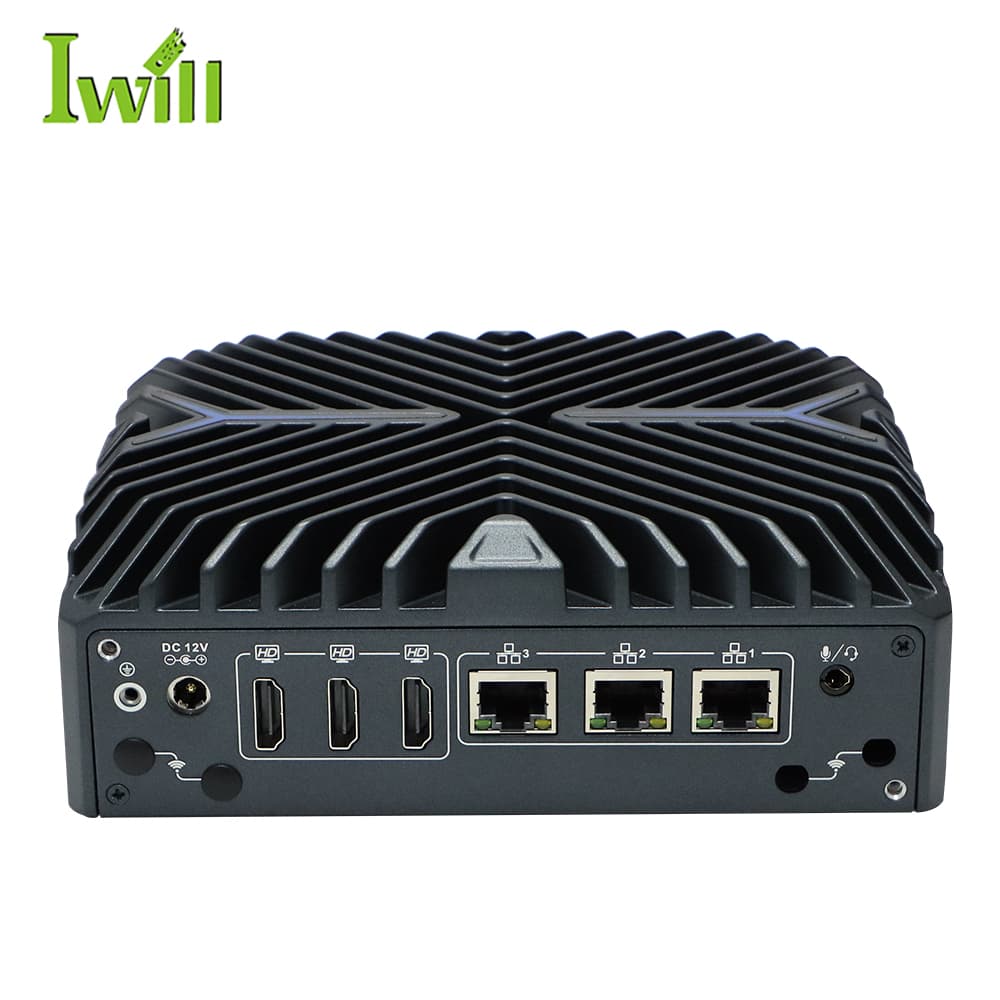
Mini PCs
Nano-N3322
Nano-N3322: Intel i3/i5/i7-1255U (6-10 cores, up to 4.7GHz, Alder Lake) with 3x 2.5G LAN.
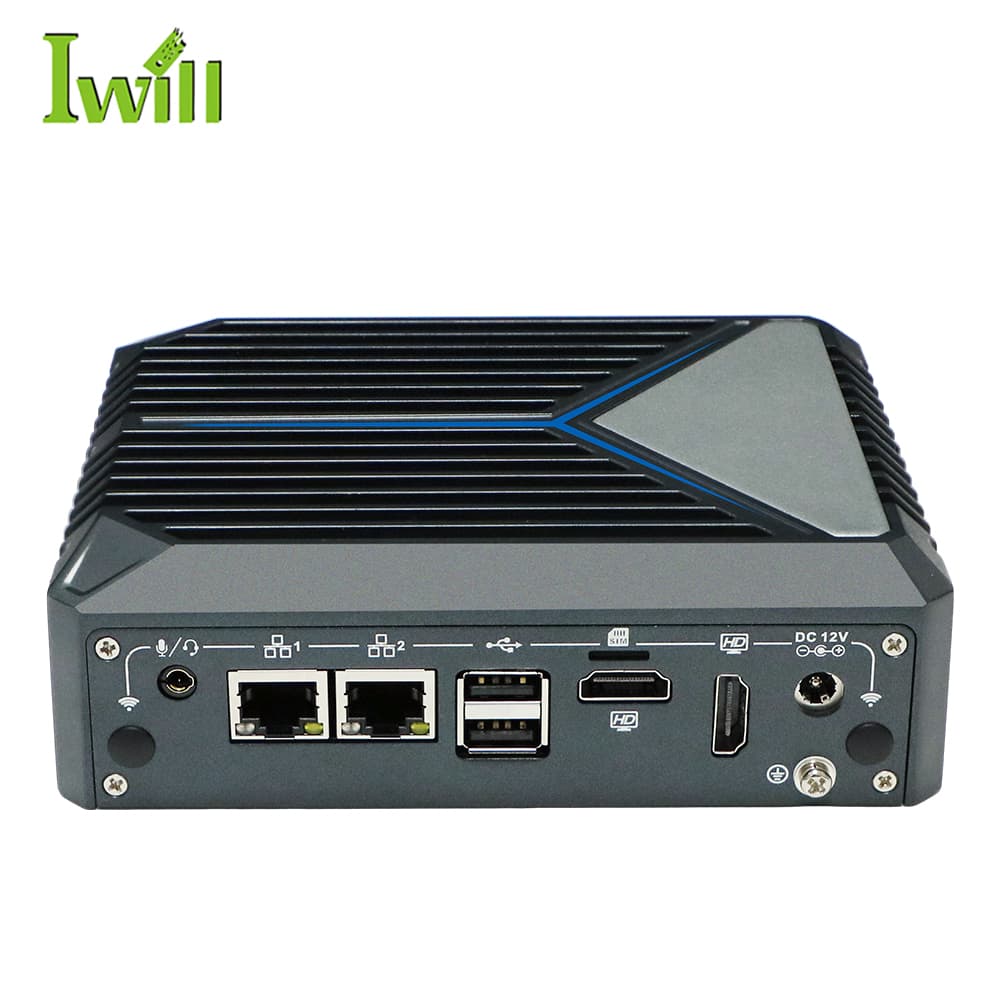
Mini PCs
Nano-N1321
Nano-N1321: Intel Alder Lake N100 (4 cores, up to 3.4GHz) with 2x RJ45 LAN.
Send the screen count, resolutions, and content sources — we will validate the platform and configuration for your wall.
Size a video-wall player