
DIY AI firewall: OPNsense + Zenarmor on a fanless 4-port appliance
A step-by-step guide to building a firewall for AI workloads: OPNsense with Zenarmor on the 4× 2.5G Nano-N1241, VLAN isolation for Ollama and LM Studio, and egress filtering for cloud AI APIs — in about an hour.
This is the practical companion to why self-hosted AI needs a firewall. One evening, one appliance, and you go from a flat network to isolated zones with inspection and egress control. The recipe: OPNsense (open-source firewall OS) plus Zenarmor (application-aware inspection) on the Nano-N1241 — 4× 2.5G Intel LAN, fanless, TPM 2.0.
What you need
- A Nano-N1241 (or N1121 for a 3-port layout), 16GB RAM recommended for DPI, NVMe SSD.
- A USB stick with the OPNsense installer image.
- One maintenance window — the network drops while you re-cable.
Step 1 — Install OPNsense (15 min)
- Write the OPNsense installer to USB, boot the N1241 from it (F11 for boot menu), and run the guided ZFS install onto the NVMe drive.
- Assign interfaces: WAN to port 1 (to the ISP device in bridge mode), LAN to port 2. Ports 3–4 stay for the dedicated zones.
- Log into the web UI from the LAN port and run the setup wizard: hostname, DNS, WAN mode, and a strong admin password.
Step 2 — Create the zones (15 min)
- Assign port 3 as AI (the inference hosts: Ollama, LM Studio) and port 4 as AGENTS (tool-running agent machines). Enable DHCP per zone with distinct subnets.
- Firewall → Rules: on AI, allow inbound from LAN only to the inference API ports (e.g., 11434), and block all outbound by default.
- On AGENTS, allow outbound only to your allowlist — model API endpoints, package mirrors, and your own infrastructure — and log everything else.
- On LAN, business as usual, but nothing may initiate into AI or AGENTS except the approved API ports.
Step 3 — Add inspection with Zenarmor (15 min)
Install the Zenarmor plugin from the OPNsense repository, choose passive-inline mode on the AI and AGENTS interfaces, and enable its application-level reporting. The free tier covers home/lab deployments; commercial tiers add policy depth. You now see *which* application and destination every flow belongs to — the difference between "some TLS to somewhere" and "the agent box posted to an unknown host."
Step 4 — Prove the isolation (10 min)
- From a LAN laptop: the Ollama API answers on its port; SSH to the same host fails. ✔
- From the AI host: outbound HTTP to the internet fails; DNS resolves only through the firewall. ✔
- From the agent box: allowlisted API reachable; a random domain is blocked and logged. ✔
- Reboot the appliance: everything returns without intervention (fanless box, no moving parts, auto power-on in BIOS). ✔
Why this hardware
DPI is memory- and CPU-sensitive: the N100 with AES-NI keeps VPN and inspection at LAN speeds for small-team workloads, four physical 2.5G ports mean zones are real wires rather than switch configuration, and the fanless chassis lives happily on the same shelf as the AI hosts. For more zones or users, step up to the N3161 six-port class.
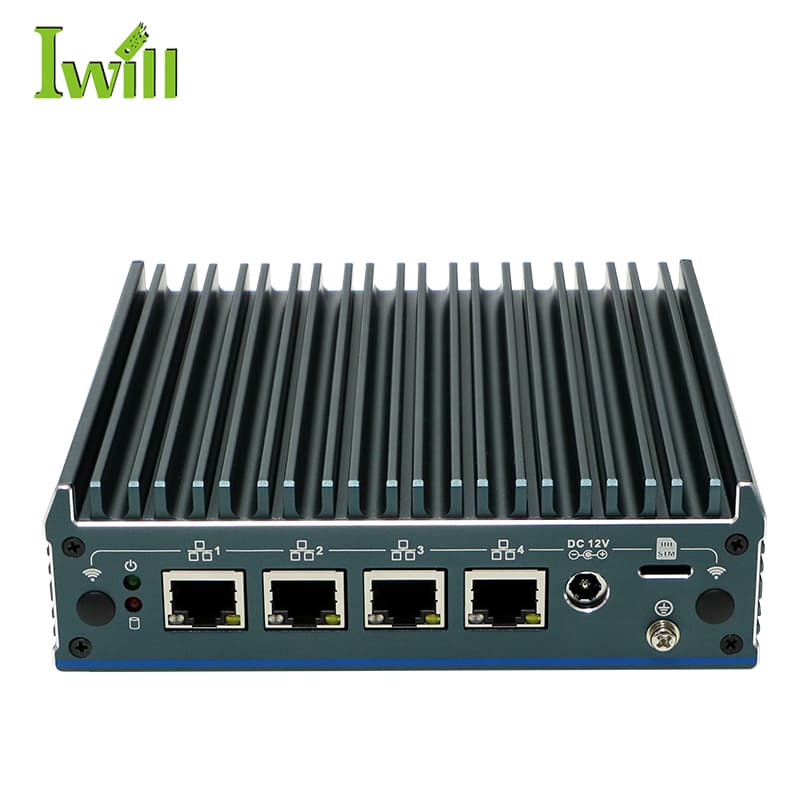
Mini PCs
Nano-N1241
Nano-N1241: Intel Alder Lake N100 (4 cores, up to 3.4GHz) with 4x 2.5G LAN.
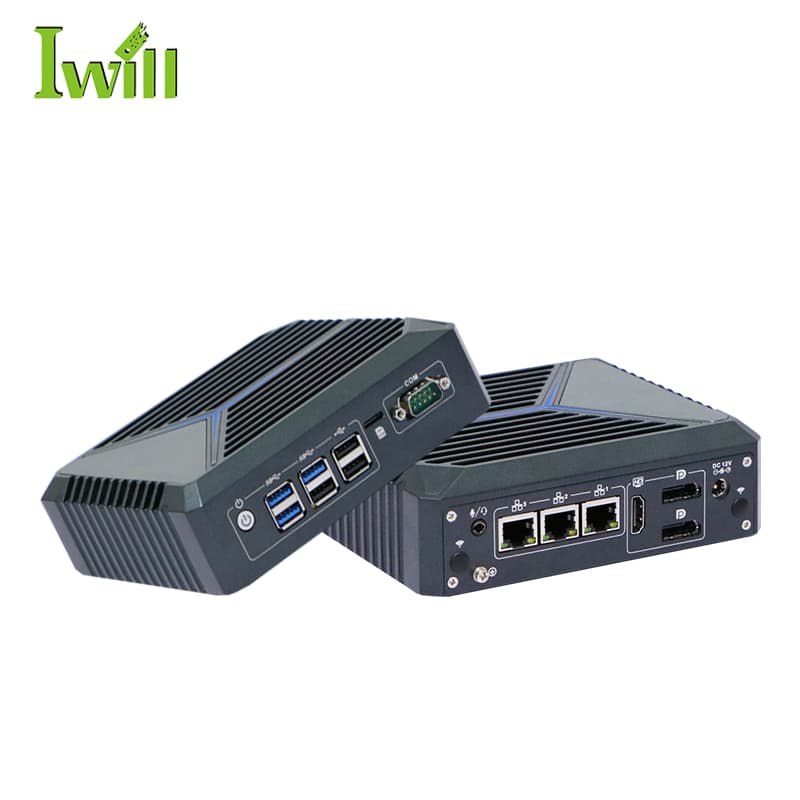
Mini PCs
Nano-N1121
Nano-N1121: Intel Celeron J6412 (4 cores, 2.0GHz up to 2.6GHz) with 3x 2.5G LAN.
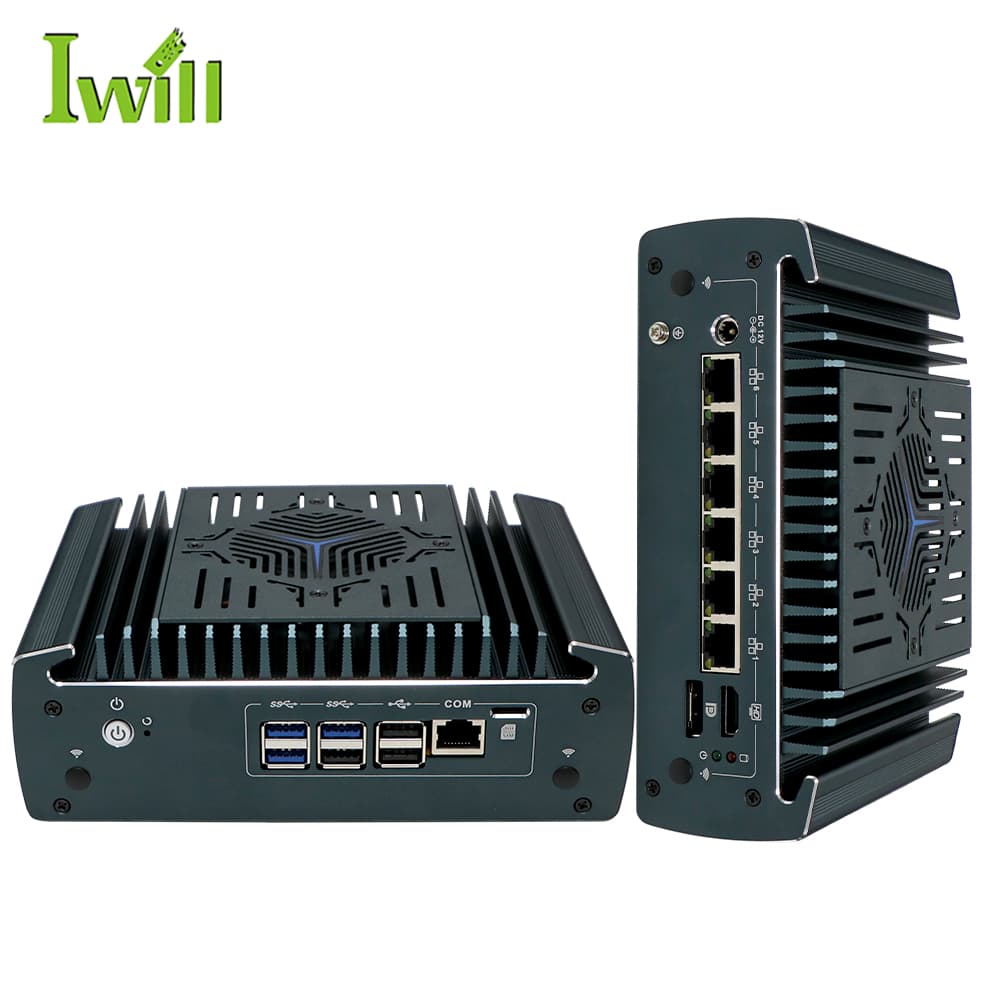
Firewall Appliances
Nano-N3161
Nano-N3161: Intel i3-1215U / i5-1235U / i7-1255U (Alder Lake, up to 4.4GHz) with 6x 2.5G LAN (1-4 option PoE).
Tell us the zone layout and user count — we will confirm the configuration (RAM, storage, OS-ready image).
Get the appliance quoted