
PCAP touch monitors (TC series): the technology explained
What projected-capacitive (PCAP) touch technology is, why it replaced resistive screens, and when the TC series (TC-185F, TC-215F, TC-238F) is the right fit for POS, self-service, and HMI.
Everyone knows the difference without knowing the words: a phone-like screen that responds instantly to a fingertip, versus an old terminal you press hard and hope. The first is projected-capacitive (PCAP) touch; the second is usually aging resistive technology. For public-facing and operator screens, that difference decides how the system feels every single day.
How PCAP works
A PCAP sensor is a grid of transparent electrodes behind glass. A fingertip changes the local capacitance, and the controller triangulates the touch — no pressure, no moving layers, and 10-point multi-touch as standard. Because the sensor sits behind tempered glass, the front is flat, durable, and easy to clean.
PCAP vs. resistive
| PCAP | Resistive | |
|---|---|---|
| Activation | Light fingertip contact | Pressure on flexible layer |
| Multi-touch | 10-point standard | Single point (typically) |
| Front surface | Tempered glass, sealed | Plastic membrane, wears |
| Optical clarity | High | Reduced by layers |
| Gloves | Thin gloves OK (calibration-dependent) | Any glove or stylus |
| Where it wins | POS, kiosks, modern HMI | Thick gloves, conductive contamination |
The TC series
The TC family are PCAP touch monitors built for commercial integration: [TC-185F](/product/tc-185f) (18.5"), [TC-215F](/product/tc-215f) (21.5"), and [TC-238F](/product/tc-238f) (23.8") — FHD panels with 10-point multi-touch, HDMI and VGA inputs, USB touch interface (driverless on Windows and mainstream Linux), VESA 100×100 mounting, and 12V DC power for clean kiosk integration.
- POS and checkout — responsive touch keeps lines moving; the glass front survives retail cleaning.
- Self-service — pair with a NANO mini PC inside the enclosure for a complete kiosk.
- Light-industrial HMI — where the environment does not demand a sealed panel PC, a touch monitor plus cabinet PC is the flexible option.
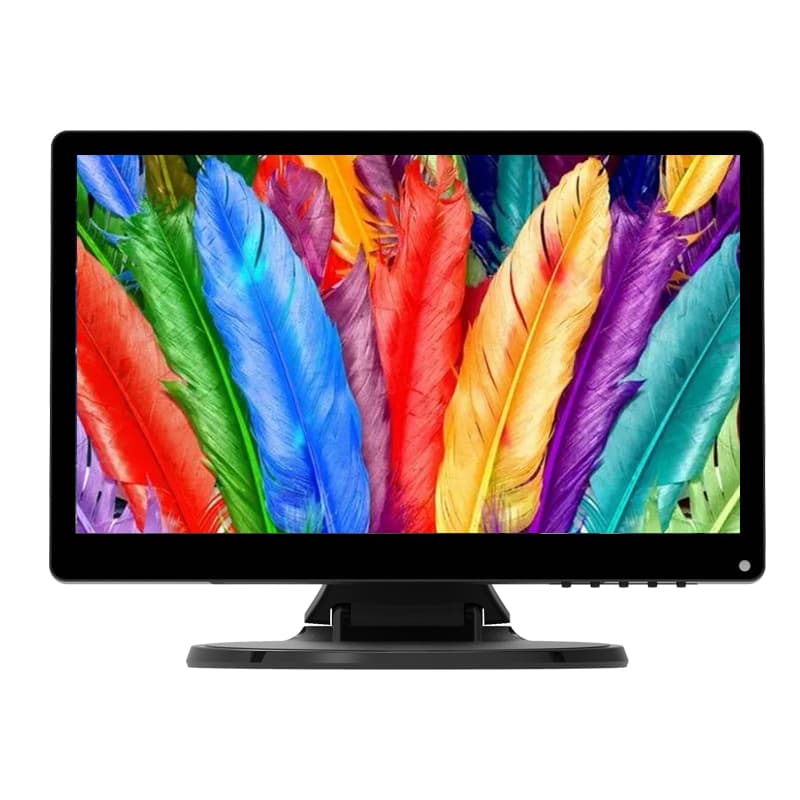
Touch Monitors
IWILL TC-185F
IWILL TC-185F touch monitors platform.
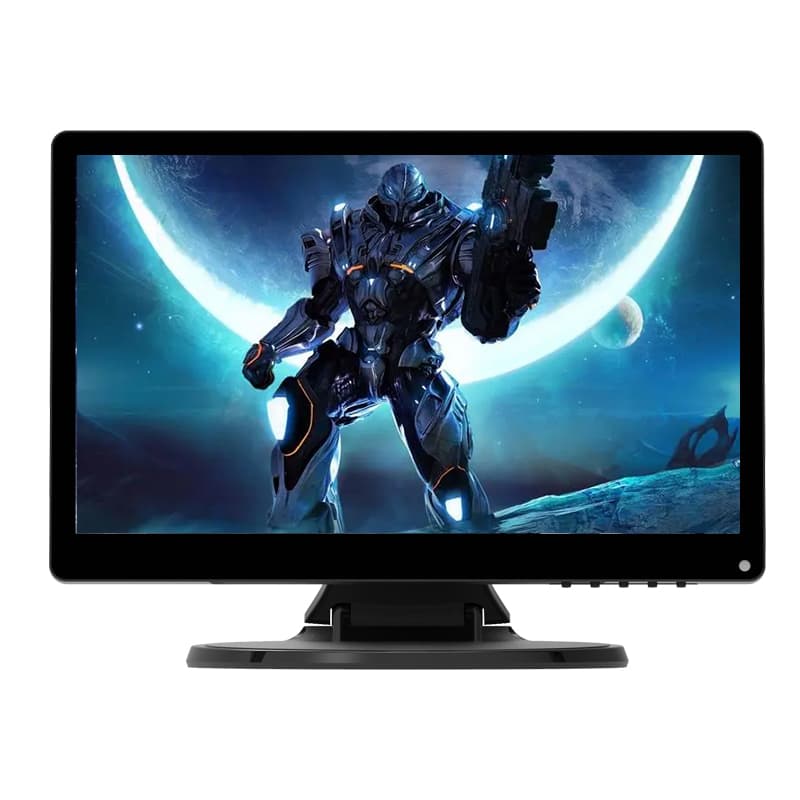
Touch Monitors
IWILL TC-215F
IWILL TC-215F touch monitors platform.
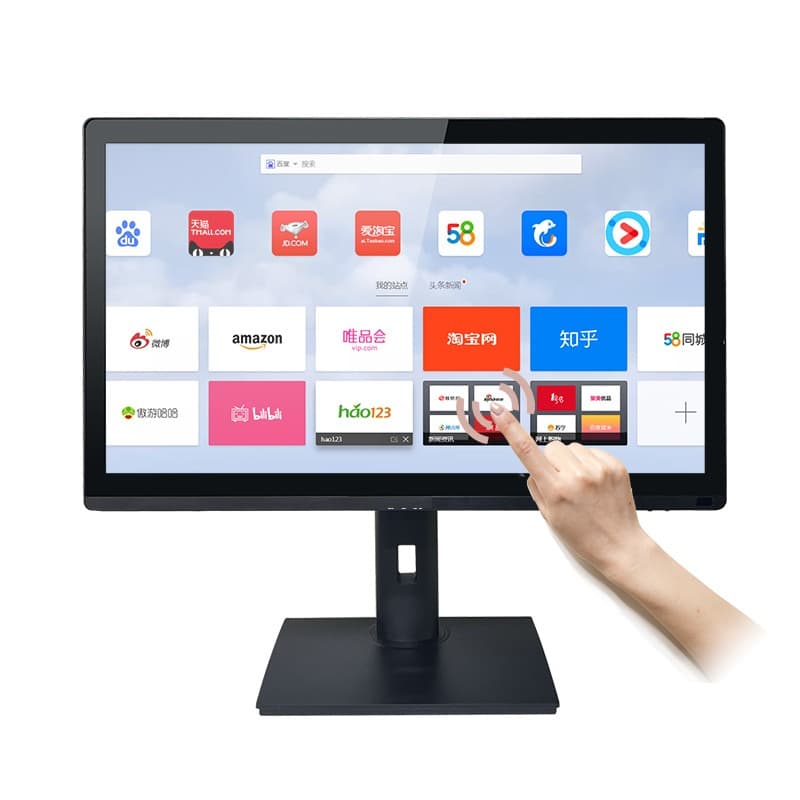
Touch Monitors
IWILL TC-238F
IWILL TC-238F touch monitors platform.
Tell us the application, mounting, and host system — we will confirm sizes and touch validation.
Spec a touch setup